Classroom
Make the next step visible.
Build the model once, then show the same structure from another angle while explaining each join.
Plan shapes, test joins and share a clear 3D build from your browser.
No install
Real-time 3D
Desktop browser
Editable scenes
Use the same build as a lesson model, a content prop or a quick concept before committing to a physical set.
Classroom
Build the model once, then show the same structure from another angle while explaining each join.
Content
Preview a camera move around the finished model, then choose the view that works for a still or clip.
Prototype
Try colors, transparent pieces and surface styles before ordering another physical set.
The workbench handles joins and structure, while stickers add a precise surface mark to the piece that needs it.
Geometry
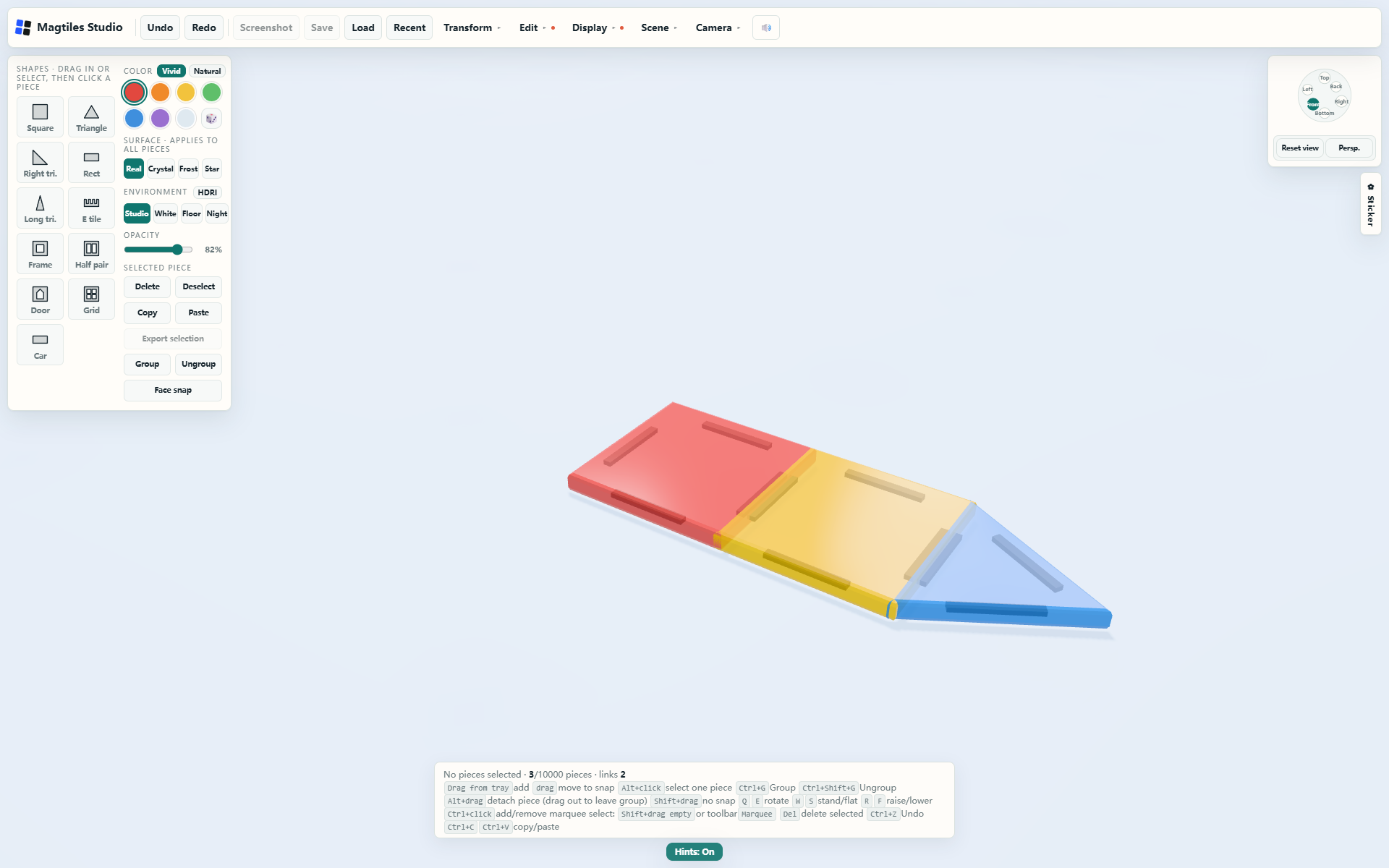
Drag a piece near another and the workbench finds a valid magnetic join. Fold a flat outline upward, add another layer, then step back to check the whole structure.
Stickers
Apply a design to the selected tile, then move, scale and rotate it. New tiles stay clean; the sticker only belongs to the piece you chose.
The free browser demo lets you build. Paid access unlocks saving, screenshots and exports. Every plan includes up to three browser devices.
Best for ongoing work
$39/ year
For a permanent tool
$99one time
Checkout is handled by Creem as Merchant of Record. Taxes and invoices are managed at checkout.
No account is needed to test the 3D workspace.
Use Google sign-in or a short verification code on this browser.
Return automatically and unlock saving and exports.
Everything below applies to the English site and USD plans.
You can open the 3D builder and test the core building workflow. Saving, screenshots and exports require paid access.
The marketing site works on mobile. The builder needs a desktop browser because it depends on precise dragging, selection and keyboard shortcuts.
One account can bind up to three browser devices. You can remove an old device from the account page before signing in elsewhere.
Scene files stay in your current browser. The server stores only account, order, membership and device information.
Creem acts as Merchant of Record for the payment, applicable taxes, invoices and refund handling.
The next join is already waiting in the browser.
Open builder